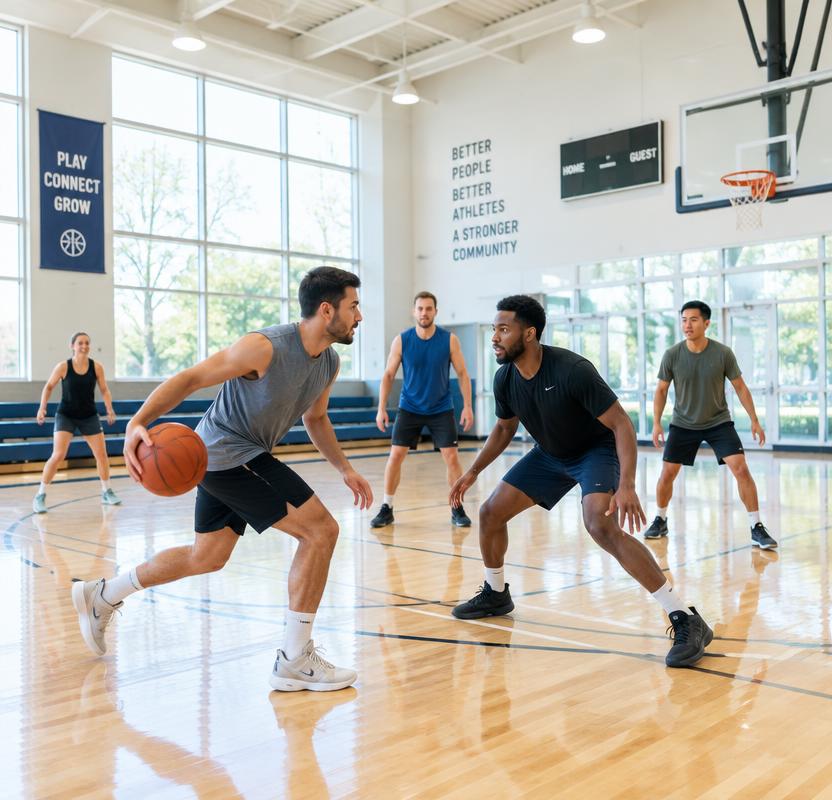
Set Up a Group or Team
Create a sport group, club or team, invite players and stay connected.
Bring your players together
Create a group for your sport and tell people what it is about. Groups go through approval before appearing to members. Your group can also be your team.
Invite players and stay connected
Invite people to join through the existing registration and verification process. Use your group’s noticeboard and group activities to keep members connected.
Grow at your own pace
Start with the people you have. Organisers can build connections with other groups and explore friendly matches without needing to form a league.
How it works
Verified members can create a group or team for their sport, with an established-club option for existing sports clubs. Give the group a name, choose its sport and describe who it is for. The owner chooses an open group or a request-to-join group before submitting it for review. Every new group needs admin approval before it goes live to members; submitting a form does not publish it immediately. A group can serve as your team without a separate team membership system.
Choose how players join
An open group lets eligible verified members join directly. In a request-to-join group, a member asks to join and waits for the owner or an organiser to approve the request. Both options stay within the private member network: an open group does not mean public access without verification. You can invite someone to your group, but they still need to complete registration, verification and the applicable group joining process.
Keep your club connected
Established sports clubs are welcome alongside new social groups and teams. Use the group noticeboard for posts and group activities for sessions with your players. New activities still go through admin approval before going live, and organisers can make an activity group-only or open to all verified members. Your group’s membership and its activity participation are separate, so joining the group does not automatically reserve a place in a session.
From a group to friendlies and league support
An approved group can connect with other groups and arrange friendly matches after a connection is accepted. Organisers from both groups confirm the friendly; proposing one is not the same as confirming a match. When you want help developing a competition, use the League section to save a league support request or submit it at any stage. There is no minimum group size and no requirement to complete every development step first. Requesting support does not create a league or promise a response time.
Explore support to start a league
Ready to bring your players together?
Create your account and complete verification to get started in First Responder Sports Hub.
Join First Responder Sports Hub